










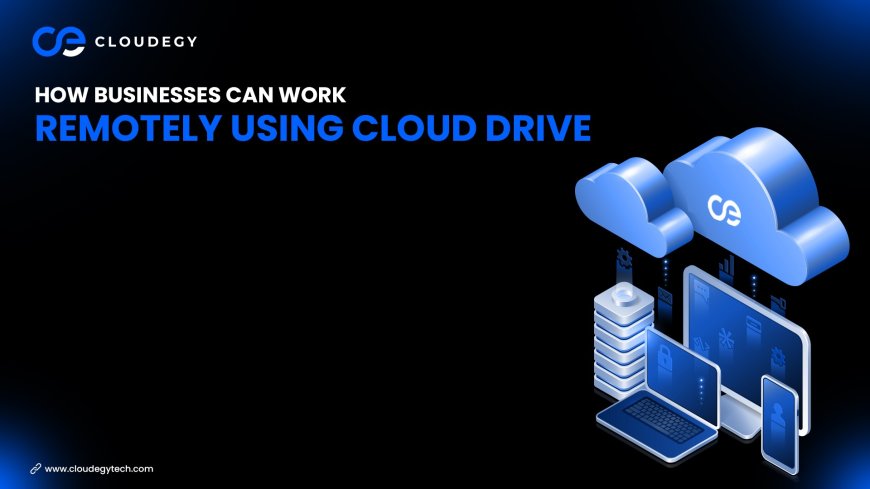
How Businesses Can Work Remotely Using Cloud Drive
Remote work has become a major part of modern business operations. Companies are no longer limited by office locations, and teams can collaborate from different cities or even different countries. However, successful remote work requires reliable access to files, secure collaboration tools, and efficient data management.

This is where a cloud drive becomes essential.
A cloud drive allows businesses to store files online and access them securely from anywhere. With features like file sharing, access control, and real-time collaboration, cloud drives help organizations maintain productivity even when teams work remotely.
In this article, we will explore how businesses can use cloud drives to support remote work and improve efficiency.
What Is a Cloud Drive?
A cloud drive is an online storage platform that allows users to store, manage, and share files through the internet. Instead of keeping files on local computers or office servers, data is stored in secure cloud infrastructure.
Employees can access files using devices such as laptops, smartphones, or tablets. This flexibility makes cloud drives an ideal solution for businesses with remote or distributed teams.
Cloud drives typically include features such as:
• Secure file storage
• File sharing through links
• Access permissions and controls
• Real-time collaboration tools
• Backup and data recovery systems
These features help teams work together efficiently regardless of location.
Why Remote Work Requires Cloud Storage
Remote teams rely heavily on digital tools to communicate and collaborate. Without a centralized file storage system, employees may struggle with scattered documents, outdated versions of files, or limited access to important data.
Cloud drives solve these problems by creating a centralized digital workspace where files are stored securely and accessed easily by authorized team members.
This ensures that employees always have access to the latest information they need to perform their tasks.
Ways Businesses Can Work Remotely Using a Cloud Drive
1. Access Files from Anywhere
One of the biggest advantages of a cloud drive is the ability to access files from any location with an internet connection.
Employees can open documents, presentations, or reports whether they are working from home, traveling, or collaborating from different offices.
This level of accessibility ensures that business operations continue smoothly even when teams are distributed.
2. Easy File Sharing
Cloud drives make file sharing simple and efficient. Instead of sending large email attachments, users can upload files and share a secure link with colleagues or clients.
This reduces email clutter and ensures that everyone is accessing the correct version of the file.
It also makes it easier to distribute large files such as videos, design assets, or project documents.
3. Secure Access Control
Businesses often handle sensitive information that should not be accessible to everyone.
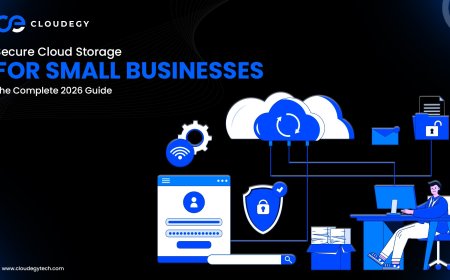
Cloud drives provide permission-based access controls that allow administrators to manage who can view, edit, or download files.
This ensures that confidential data remains protected while still enabling team collaboration.
4. Real-Time Collaboration
Many cloud platforms allow multiple users to access and work on files simultaneously.
Teams can review documents, update files, and collaborate on projects without needing to exchange multiple file versions.
This improves productivity and speeds up decision-making processes.
5. Organized File Management
Cloud drives help businesses maintain an organized digital workspace through folders and structured storage systems.
Employees can quickly locate documents without searching through email threads or different devices.
This improves workflow efficiency and reduces time spent managing files.
6. Reliable Backup and Data Protection
Remote work environments can increase the risk of data loss if files are stored only on personal devices.
Cloud drives provide automatic backup systems that protect files from accidental deletion, hardware failure, or other unexpected issues.
This ensures business continuity even in challenging situations.
Benefits of Using Cloud Drives for Remote Teams
Businesses that adopt cloud drives for remote work experience several advantages:
• Improved team collaboration
• Faster file access and sharing
• Enhanced data security
• Reduced dependency on office infrastructure
• Greater flexibility for remote teams
These benefits make cloud drives an essential tool for organizations embracing remote or hybrid work models.
Cloud Drives and the Future of Work
The future of work is increasingly digital and location-independent. Businesses are adopting technologies that allow employees to stay productive regardless of where they work.
Cloud drives play a crucial role in enabling this shift by providing a secure, scalable, and accessible platform for file management and collaboration.
Companies that implement cloud-based systems can adapt more easily to changing work environments while maintaining efficiency and security.
Conclusion
Remote work is transforming the way businesses operate, and having the right tools is essential for success.
Cloud drives allow organizations to store files securely, share documents easily, and collaborate efficiently from anywhere in the world.
By adopting cloud drive technology, businesses can create a flexible and productive remote work environment that supports growth and innovation.
What's Your Reaction?
 Like
0
Like
0
 Dislike
0
Dislike
0
 Love
0
Love
0
 Funny
0
Funny
0
 Angry
0
Angry
0
 Sad
0
Sad
0
 Wow
0
Wow
0