


















Is Cloud Storage Safe for Beginners? (Complete Safety Guide 2026)
Cloud storage has become a popular way to store documents, photos, and business files online. But beginners often ask one important question: Is cloud storage really safe? In this complete guide, we’ll explain cloud storage security in simple language, clear common doubts, and help beginners understand how to use it safely.

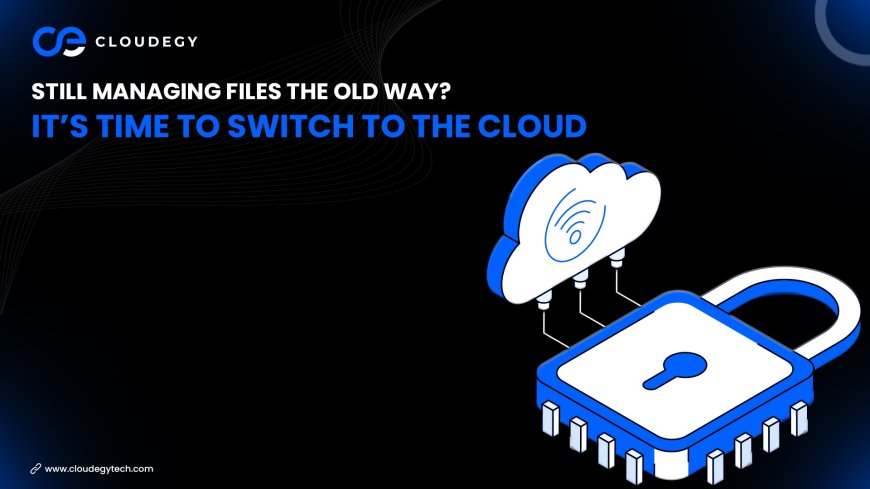
What Is Cloud Storage?
Cloud storage allows users to store files on remote servers instead of keeping them only on a local computer or hard drive. Popular services like:
-
Google Drive
-
Dropbox
-
Microsoft OneDrive
-
Apple iCloud
store your data in secure data centers and allow access from any internet-connected device.
Is Cloud Storage Safe for Beginners?
✅ Short Answer: Yes — If Used Correctly.
Modern cloud storage providers use advanced security systems that are often stronger than typical home computer security.
However, safety depends on:
-
The provider’s security systems
-
Your personal security habits
Let’s break it down.
How Cloud Storage Protects Your Data
1️⃣ Data Encryption
Most cloud services use 256-bit encryption, which converts your data into unreadable code during upload and storage. This prevents unauthorized access.
2️⃣ Secure Data Centers
Cloud providers maintain high-security facilities with:
-
Biometric access control
-
Surveillance systems
-
Backup power
-
Fire protection systems
Your data is stored across multiple servers for redundancy.
3️⃣ Two-Factor Authentication (2FA)
2FA adds an extra layer of protection by requiring:
-
Password
-
One-time verification code
Even if someone gets your password, they cannot access your account without the second code.
4️⃣ Backup & Disaster Recovery
Cloud storage automatically creates backups. If:
-
Your device crashes
-
You lose your laptop
-
Files are accidentally deleted
You can recover your data.
Common Beginner Concerns (Explained)
❓ Can hackers access my files?
Reputable cloud providers use firewalls, monitoring systems, and encryption. Most breaches happen due to weak passwords.
❓ Is local storage safer?
Hard drives can be:
-
Lost
-
Damaged
-
Stolen
-
Infected with malware
Cloud storage adds multiple layers of protection.
❓ What if I accidentally delete files?
Most cloud drives offer file recovery and version history features.
Tips for Beginners to Stay Safe
✔ Use a strong, unique password
✔ Enable two-factor authentication
✔ Avoid public Wi-Fi for sensitive uploads
✔ Regularly review account activity
✔ Share files using permission controls
Security is strongest when users follow best practices.
Advantages of Cloud Storage for Beginners
-
Easy to use
-
No hardware maintenance
-
Automatic backup
-
Accessible from anywhere
-
Secure sharing options
For beginners, cloud storage simplifies file management while improving data safety.
Final Verdict: Should Beginners Use Cloud Storage?
Yes. Cloud storage is safe, reliable, and beginner-friendly — especially when basic security steps are followed.
In 2026, cloud storage is not just for tech experts. It’s a smart solution for students, professionals, and small businesses.
What's Your Reaction?
 Like
0
Like
0
 Dislike
0
Dislike
0
 Love
0
Love
0
 Funny
0
Funny
0
 Angry
0
Angry
0
 Sad
0
Sad
0
 Wow
0
Wow
0