


















How to Store Files Online Securely (Step-by-Step Guide)
In today’s digital world, storing files online is convenient—but security is the real concern. Whether you’re saving personal documents, business reports, or confidential data, knowing how to store files online securely is essential. Cyber threats, data breaches, and accidental loss can happen anytime. The good news? With the right approach, your files can stay safe, encrypted, and protected. Let’s explore how.

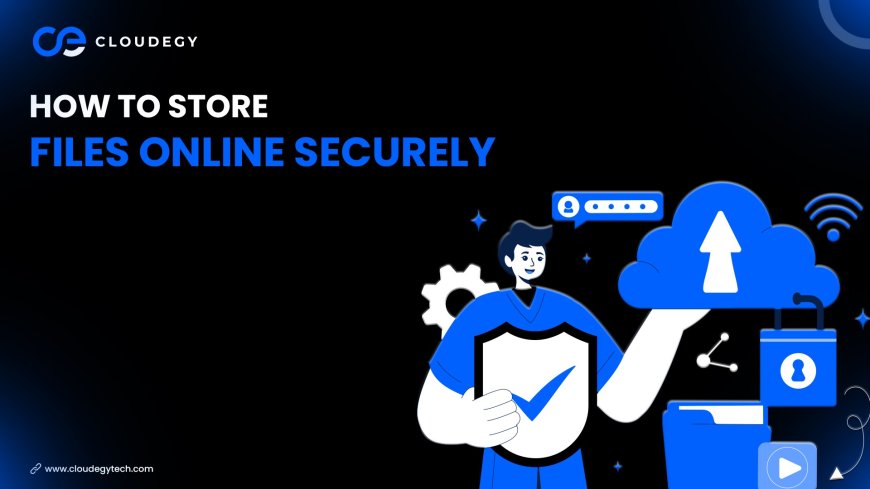
Why Secure Online File Storage Matters
Storing files online without proper security can expose you to:
-
Data theft
-
Unauthorized access
-
Ransomware attacks
-
Permanent data loss
Secure cloud storage protects your data through encryption, backup systems, and access control features.
1. Choose a Trusted Cloud Storage Provider
The first step is selecting a reliable and secure cloud storage platform.
Look for features like:
-
End-to-end encryption
-
Secure data centers
-
Two-factor authentication (2FA)
-
Automatic backups
-
File access control
A trusted provider reduces the risk of breaches and data leaks.
2. Use Strong Passwords
Your cloud storage account is only as secure as your password.
✔ Use a mix of letters, numbers, and symbols
✔ Avoid simple passwords like “123456”
✔ Never reuse passwords across platforms
Consider using a password manager for extra safety.
3. Enable Two-Factor Authentication (2FA)
Two-factor authentication adds an extra layer of security. Even if someone knows your password, they cannot access your account without a second verification step (OTP or authentication app).
This significantly reduces unauthorized access.
4. Encrypt Sensitive Files
While most cloud platforms encrypt data automatically, you can add extra protection by encrypting highly sensitive files before uploading them.
This ensures maximum data security.
5. Manage File Permissions Carefully
When sharing files:
-
Only give access to trusted users
-
Set view-only permissions when possible
-
Remove access when no longer needed
Access control is one of the most important parts of secure online storage.
6. Keep Your Devices Secure
Even the safest cloud storage can’t protect data if your device is compromised.
✔ Keep software updated
✔ Install antivirus protection
✔ Avoid public Wi-Fi for sensitive uploads
Security starts with your device.
7. Regularly Monitor Account Activity
Most cloud platforms provide login history and activity tracking. Check periodically for unusual activity.
Early detection prevents major damage.
Common Mistakes to Avoid
❌ Using weak passwords
❌ Sharing login credentials
❌ Ignoring security updates
❌ Uploading sensitive files on unsecured networks
Avoiding these mistakes keeps your data protected.
Final Thoughts
Storing files online securely is not complicated—but it requires smart practices. By choosing a secure cloud provider, enabling 2FA, using strong passwords, and managing permissions carefully, you can protect your data from cyber threats and accidental loss.
Secure cloud storage gives you peace of mind, flexibility, and control over your digital life.
If your files matter, secure storage should be your priority.
What's Your Reaction?
 Like
0
Like
0
 Dislike
0
Dislike
0
 Love
0
Love
0
 Funny
0
Funny
0
 Angry
0
Angry
0
 Sad
0
Sad
0
 Wow
0
Wow
0