














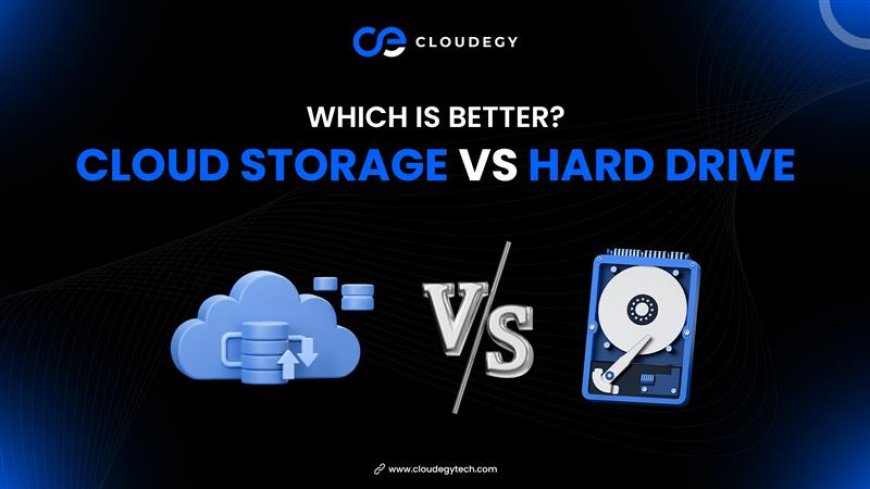
Cloud Storage vs Hard Drive: Which Is Better?
When it comes to storing important files, photos, business documents, or backups, most people face one common question: Cloud storage or hard drive — which is better? Both options have their advantages, but the right choice depends on your needs, work style, and security expectations. In this guide, we compare cloud storage vs hard drive in terms of security, cost, accessibility, performance, and long-term reliability. Let’s break it down.

What Is a Hard Drive?
A hard drive (HDD or external hard disk) is a physical device used to store data locally. It connects to your computer via internal installation or USB cable.
✅ Advantages of Hard Drives
-
One-time purchase cost
-
No internet required
-
Fast local file transfer
-
Good for large offline storage
❌ Disadvantages of Hard Drives
-
Can fail due to hardware damage
-
Risk of theft or physical loss
-
Limited sharing options
-
No automatic remote backup
If the drive crashes, your data may be permanently lost.
What Is Cloud Storage?
Cloud storage allows you to store files online on secure remote servers. You can access your data anytime using the internet.
✅ Advantages of Cloud Storage
-
Access from anywhere
-
Works on multiple devices
-
Easy file sharing
-
Automatic backup
-
Advanced encryption & security
❌ Disadvantages of Cloud Storage
-
Requires internet connection
-
Ongoing subscription (for higher plans)
Cloud storage is especially useful for businesses, remote teams, and modern digital workflows.
Cloud Storage vs Hard Drive: Detailed Comparison
1. Accessibility
-
Hard Drive: Limited to the device it’s connected to.
-
Cloud Storage: Accessible anytime, anywhere.
👉 Winner: Cloud Storage
2. Security
-
Hard Drive: Can be damaged, stolen, or corrupted.
-
Cloud Storage: Encrypted servers, controlled access, automatic backup.
👉 Winner: Cloud Storage
3. Cost
-
Hard Drive: One-time purchase.
-
Cloud Storage: Free plans available + scalable paid upgrades.
👉 Tie (depends on usage)
4. Backup & Recovery
-
Hard Drive: Manual backup required.
-
Cloud Storage: Automatic backup & quick recovery.
👉 Winner: Cloud Storage
5. Collaboration
-
Hard Drive: Not ideal for sharing files.
-
Cloud Storage: Instant file sharing & real-time collaboration.
👉 Winner: Cloud Storage
Which One Should You Choose?
Choose a Hard Drive If:
-
You need offline storage
-
You work without internet access
-
You store large files locally
Choose Cloud Storage If:
-
You work remotely
-
You want better security
-
You need team collaboration
-
You want automatic backup
-
You want access from multiple devices
Final Verdict
In today’s digital world, cloud storage is generally the better long-term solution. It offers flexibility, better security, easier sharing, and scalability.
Hard drives are still useful for offline backups, but relying only on physical storage is risky.
For modern work, businesses, and remote professionals — cloud storage wins.
What's Your Reaction?
 Like
0
Like
0
 Dislike
0
Dislike
0
 Love
0
Love
0
 Funny
0
Funny
0
 Angry
0
Angry
0
 Sad
0
Sad
0
 Wow
0
Wow
0