

















What Is a Cloud Drive and How Does It Work? (Complete Guide 2026)
In today’s digital world, storing files locally on your computer is no longer enough. Businesses and individuals now rely on cloud drives to store, access, and manage data securely online. But what exactly is a cloud drive, and how does it work? This complete beginner-friendly guide explains everything you need to know — including features, benefits, security, and how cloud storage technology actually works.

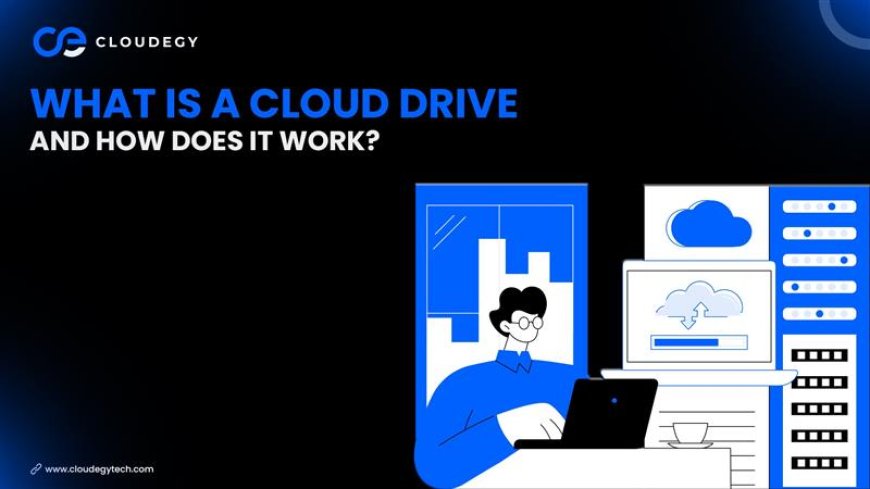
What Is a Cloud Drive?
A cloud drive is an online storage service that allows users to store files on remote servers instead of their local device. These files can include:
-
Documents
-
Photos
-
Videos
-
Backups
-
Software files
-
Business data
The servers are maintained by cloud storage companies such as:
-
Google Drive
-
Dropbox
-
Microsoft OneDrive
-
Apple iCloud
Users can access their data anytime from any device connected to the internet.
How Does a Cloud Drive Work?
A cloud drive operates through secure internet-based data storage systems. Here’s how it works step-by-step:
1️⃣ File Upload
You upload files through:
-
Web browser
-
Desktop application
-
Mobile app
2️⃣ Secure Storage in Data Centers
Your files are stored in high-security data centers. These facilities use:
-
Redundant backup systems
-
Advanced encryption
-
Distributed storage architecture
This ensures your files remain safe even if hardware fails.
3️⃣ Sync & Remote Access
Once uploaded:
-
Files sync across devices
-
You can share files via secure links
-
Changes update in real-time
-
Deleted files can often be restored
Cloud drives use distributed server networks to ensure fast performance and uptime.
Key Features of a Cloud Drive
✔ Automatic File Backup
✔ Real-Time Sync Across Devices
✔ Secure File Sharing
✔ Version History
✔ End-to-End Encryption
✔ Multi-Device Accessibility
✔ Collaboration Tools
Benefits of Using a Cloud Drive
1. Access Files Anywhere
Work from home, office, or mobile without carrying storage devices.
2. Saves Device Storage Space
Large files stay online instead of occupying your hard drive.
3. Enhanced Data Security
Cloud providers use encryption, firewalls, and secure authentication.
4. Easy File Collaboration
Teams can edit and manage documents together in real time.
5. Disaster Recovery Protection
Even if your device crashes or is lost, your data remains secure in the cloud.
Is Cloud Storage Safe?
Yes, most modern cloud drives implement:
-
256-bit encryption
-
SSL data transfer security
-
Two-factor authentication (2FA)
-
Multiple data backups
However, users should:
-
Use strong passwords
-
Enable 2FA
-
Avoid sharing sensitive data publicly
Security depends on both the provider and user practices.
How to Choose the Best Cloud Drive
When selecting a cloud storage provider, consider:
-
Storage capacity
-
Security standards
-
Ease of use
-
File sharing capabilities
-
Cross-device compatibility
-
Customer support
Businesses should also evaluate compliance and data privacy regulations.
Future of Cloud Drives (2026 & Beyond)
Cloud storage technology is evolving rapidly with:
-
AI-powered file organization
-
Smart search functionality
-
Improved cybersecurity systems
-
Decentralized and blockchain-based storage
As digital transformation grows, cloud drives are becoming essential for personal and business data management.
What's Your Reaction?
 Like
0
Like
0
 Dislike
0
Dislike
0
 Love
0
Love
0
 Funny
0
Funny
0
 Angry
0
Angry
0
 Sad
0
Sad
0
 Wow
0
Wow
0